
Pokémon Pokopia’s Pumpkaboo Event Is Live Through November 1
October 19, 2026 · Nintendo Switch 2 news
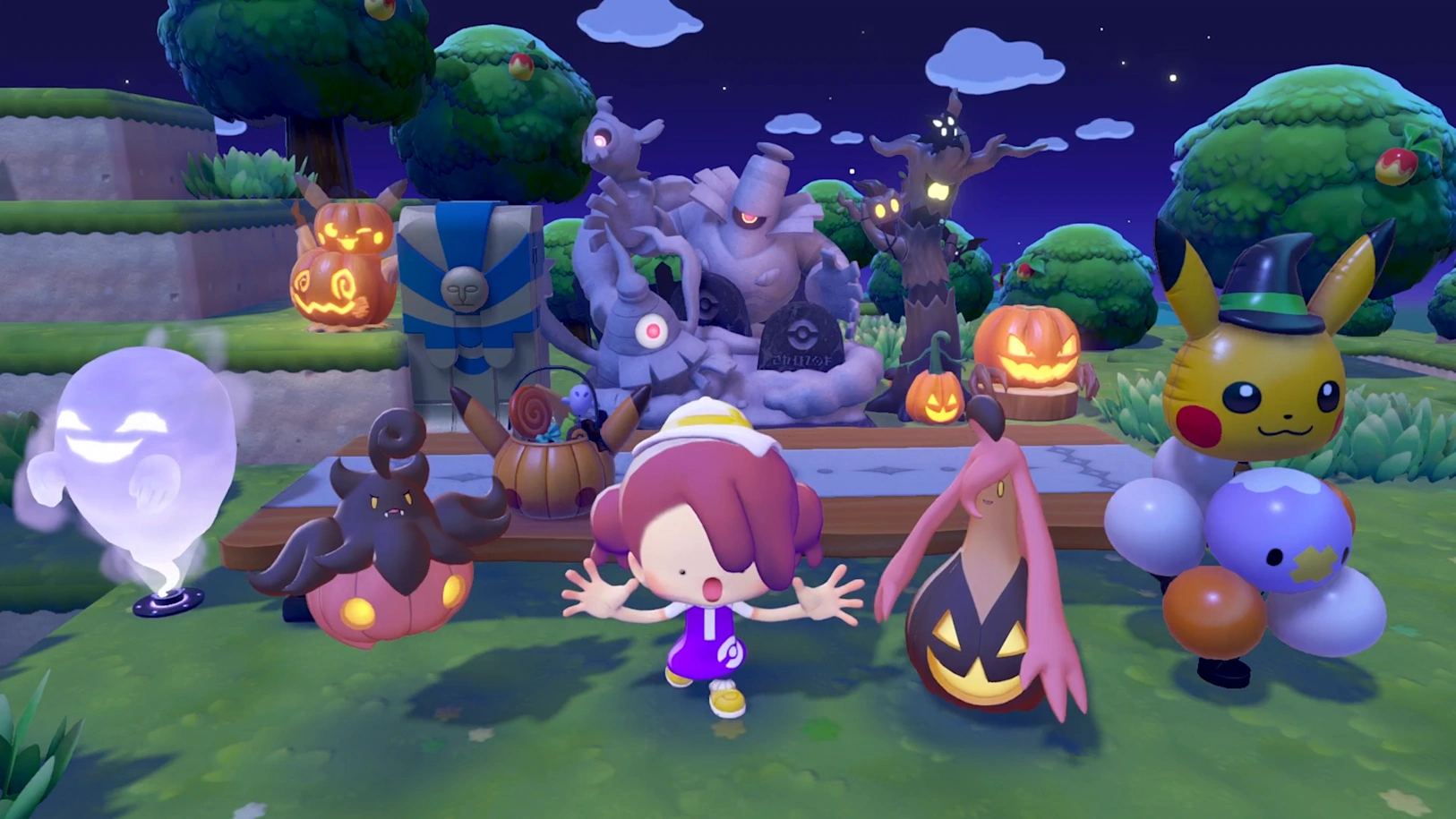
The Pokopia Pumpkaboo event is underway on Nintendo Switch 2. Pumpkaboo’s Sweet Surprises brings pumpkin candy, seasonal decorations, and a chance to befriend Pumpkaboo and Gourgeist during a limited Halloween celebration.
The event ends early on November 1
| Event detail | Schedule and rewards |
|---|---|
| Starts | October 17, 2026, at 5:00 a.m. local time |
| Ends | November 1, 2026, at 4:59 a.m. local time |
| Event currency | Pumpkin candy |
| Rewards | Midnight-festival-themed furniture and decorations |
Nintendo lists the schedule in local time, so do not plan around a single worldwide midnight deadline. Pokémon befriended during the event stay in your town after it finishes.
How pumpkin candy and the rewards work
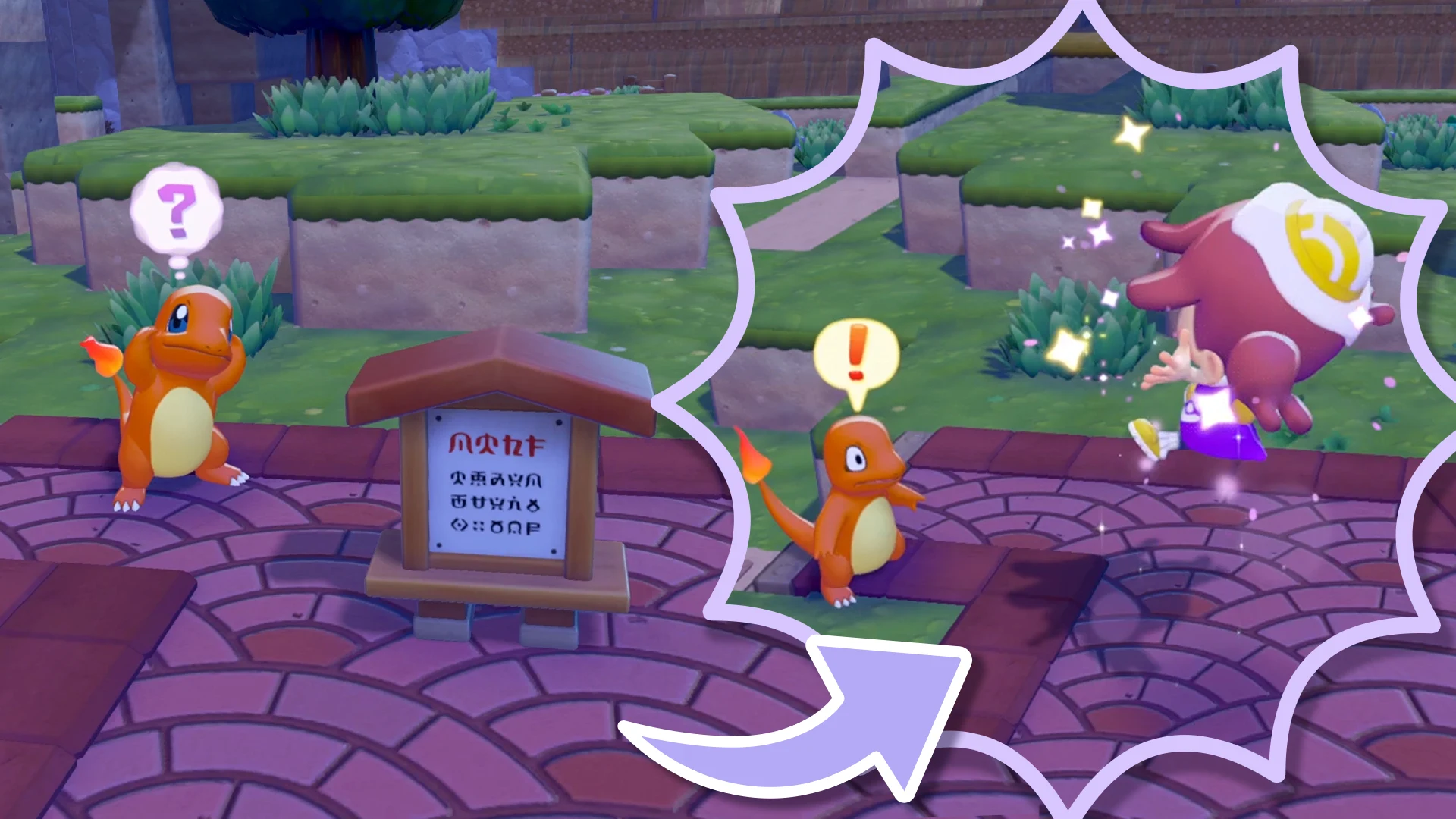
The official Pokémon event overview explains the reward loop: speak to Pumpkaboo near the Pokémon Center, use Camouflage to surprise Pokémon and collect pumpkin candy, exchange it at the center, then use event items to create a habitat that can attract Gourgeist.
Check progression and update the game
The event requires completion of a town’s important request, a rebuilt Pokémon Center, and Camouflage learned from Zorua in Bleak Beach. Nintendo specifies version 2.0.1, a correct real-world system clock, and an internet connection for the first event launch. Cloud Islands and Bubbly Basin are excluded.
For the software check, follow Nintendo’s update support instructions: highlight the game on the HOME Menu, press the + or − button, then choose Software Update → Over the Internet. The current version is shown with the software information.
Version 2.0.1 is an existing September 7 update, rather than a newly released Halloween patch. Nintendo’s support notes say save data remains available after updating. If you plan to use online multiplayer, it also says everyone must use the same software version and the online features require Nintendo Switch Online.
A seasonal reason to return to your town
For players returning after a break, Nintendo’s Pokopia overview describes the wider game as a world-building adventure starring a transformed Ditto. You restore a desolate setting, learn moves from other Pokémon, and use those abilities to shape the environment and create places for new friends to live.
That building loop is a good reason to decide where your seasonal area will go before spending an evening decorating. Leave room to experiment, and take pictures of arrangements you want to remember. A clear plan makes it easier to turn a collection of rewards into a corner of town you enjoy revisiting.
For this event’s Link Play, Nintendo directs players to Palette Town and says to speak with Pumpkaboo before starting multiplayer; Spectator Mode is excluded. Check the full event instructions if it does not appear after you meet the requirements.
What to do before your next session
Set aside a short session to check your update and progression first, then plan time for collecting and building. Our gaming tips and guides offer more help for your next game, and the Play On Gamer news feed covers other releases and updates.
Reporting sources
Event details were checked on October 19 against Nintendo’s published instructions. Source links are non-affiliate editorial references.