
Fortnite Cheat Master Sprite Codes and How to Unlock Each One
Codes reported for six Cheat Master Sprite variants, the base powers Epic documents, story requirements, redemption steps and common fixes.

Expert reviews, buying guides, and deep-dives into PC gaming, VR, retro consoles, and everything in between. Built by gamers, for gamers.
Live Updates

Cyberpunk 2077 Update 2.5 adds in-game mod browsing, Edgerunners content and dual-wielding. Here's when it reaches each platform and what modded saves mean for trophies.
 📰 NEWS
Modern Warfare 4 launches with 20 multiplayer maps, new modes and DMZ. Here are the platforms, PC specs…
 📰 NINTENDO
Zelda: Ocarina of Time on Switch 2: Release Guide The Legend of Zelda: Ocarina of Time launches November…
 📰 NINTENDO
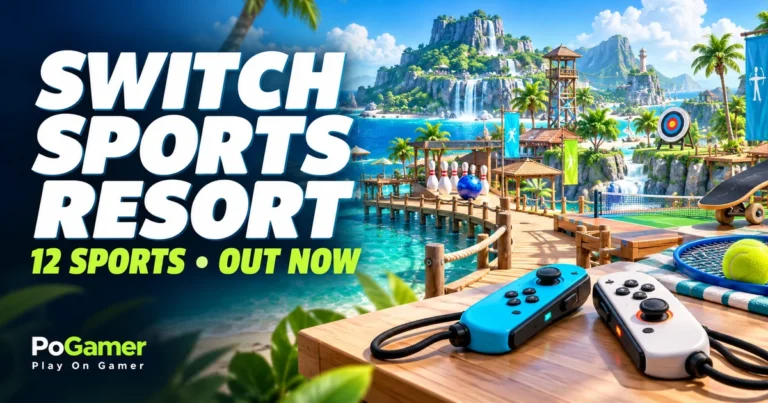
Nintendo Switch Sports Resort: 12 Sports and Modes Nintendo Switch Sports Resort launched October 22, 2026, exclusively for…
 📰 BUYING GUIDES
Six current white motherboards for AMD AM5 and Intel LGA1851 gaming PCs, with clear socket, DDR5,…
 📰 MOBILE GAMING
Hello Games says October 28 for No Man’s Sky on iOS, while the U.S. App Store…
 📰 MOBILE GAMING
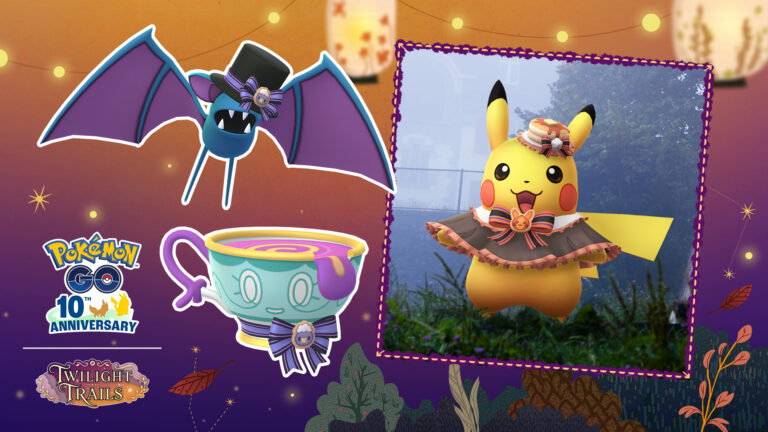
The confirmed Halloween Part I schedule, new costumed Pokémon, Shiny possibilities, free GO Pass milestones and…
 📰 MOBILE GAMING
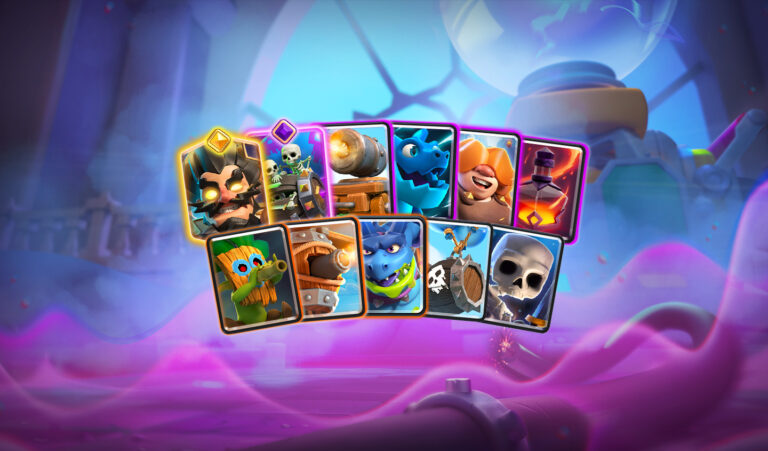
A practical look at the October 19 Clash Royale balance patch, with exact nerfs, buffs, reworks…
 📰 RETRO GAMING
Toy Story: Retro Roundup! revives early Toy Story games and A Bug’s Life. See all five…
 📰 RETRO GAMING
Tales of Eternia Remastered is out. See every launch platform, original/remastered display options, battle conveniences and…
 📰 RETRO GAMING
Castlevania: Belmont’s Curse has launched. Here are the confirmed platforms, precise demo-save conditions, game features and…
 📰 PC GAMING
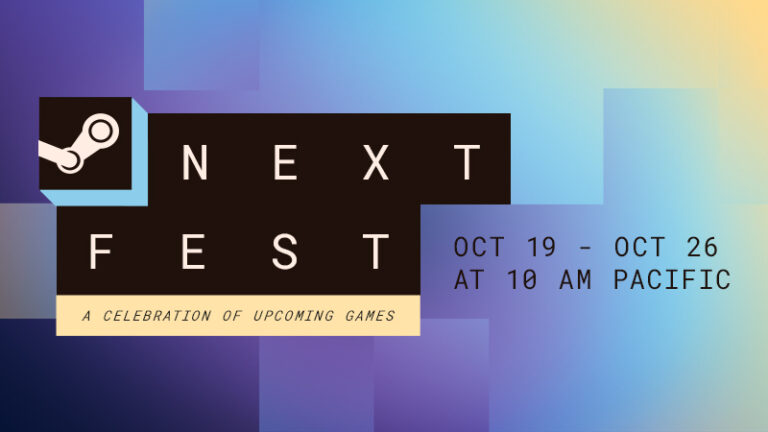
Steam Next Fest is underway with free demos and new browsing filters. Here is the exact…
 📰 NINTENDO
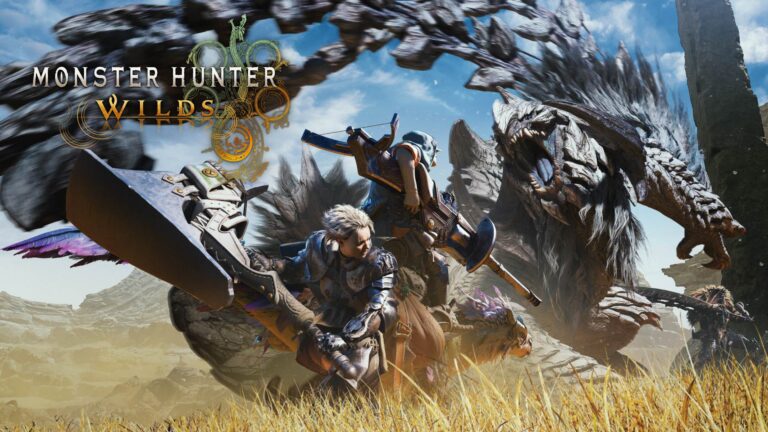
Capcom’s free Monster Hunter Wilds demo is available on Switch 2. Try the opening adventure, keep…
 📰 NEWS
Pumpkaboo’s Sweet Surprises is underway in Pokémon Pokopia. Catch up on the Halloween event’s local-time schedule,…
Fresh Off The Press

Codes reported for six Cheat Master Sprite variants, the base powers Epic documents, story requirements, redemption steps and common fixes.

A source-checked guide to Fortnite Override Lobby Hacks for XP, Sprites, Sprite Dust, Gizmos and lobby effects, with exact entry…

Gaming PC Parts List (2026): Every Component You Need Quick answer: A complete gaming PC tower needs a processor, compatible…
How Much Does It Cost to Build a Gaming PC in 2026? Short answer: Plan roughly $850–$1,300 for a new…

Best Dragon Games to Play in 2026: Hunt, Ride, or Become One Some dragon games make you the hero facing…

Best PC Gaming Controllers in 2026: 8 Picks for Windows A mouse and keyboard remain ideal for many PC games,…
Nostalgia Mode Activated

Toy Story: Retro Roundup! revives early Toy Story games and A Bug’s Life. See all five game families, 11 versions,…
Read ArticleGet PoGamer's latest gaming deals, reviews, guides, and major news updates by email. No spam. Unsubscribe anytime.
We respect your privacy. See our Privacy Policy.
Quick Navigation
The Play On Gamer guide
PoGamer brings together gaming news, PC build advice, console coverage, and practical guides for different ways to play. A release date can help you plan your weekend; a clear explanation of multiplayer, hardware requirements, or an upgrade can help you avoid spending money on the wrong thing.
Start with the question you need answered. Catch up on a game, compare your options before a purchase, or find something that fits the time and equipment you already have. The guide below helps you choose a useful next step.
Find your next move
Focus on the detail that changes how you play: an update’s availability, an event’s end time, a demo’s limits, or the platforms a release supports. An announcement, a beta, and a full launch can describe different stages of the same game. Check the date and the official source linked in a story, then confirm availability in your region before planning around it.
Begin with the games you want to play and your display’s resolution and refresh rate. Those goals give a budget more direction than a component’s marketing label. Price the complete setup, including storage, power supply, cooling, and peripherals, and check compatibility before ordering. A balanced system that suits your games is more useful than one expensive part surrounded by compromises.
Work out what is getting in the way before buying an upgrade. Low frame rates, long loading times, uncomfortable controls, and a poor network connection call for different fixes. Start with the game’s settings and your current equipment, change one thing at a time, and compare the result in the same situation. This makes it easier to tell whether a purchase would solve your actual problem.
More ways to play
Your library, your friends, and where you play matter as much as specifications. Use these starting points to narrow the choice.
PC gaming gives you options for displays, controls, settings, and hardware upgrades. A handheld PC adds portability, but a game’s performance and compatibility can differ from a desktop setup. Check the operating system, storage needs, controller support, and the game’s own compatibility information. Choose settings for the device’s screen instead of expecting a portable system to behave like a desktop.
Start with the games you want and the platform your friends use. Before choosing an edition, check which console generation it supports and whether the features you care about are included. Look at storage requirements, controller options, and any subscription needed for the way you plan to play. A game appearing on two consoles does not automatically mean their players can join each other.
Check the exact system named on a game’s store page, especially when similar console names appear in a headline. For a shared session, distinguish split-screen play on one system from local wireless play across several systems and online multiplayer. Save transfers, compatible accessories, and demo progress can also have specific conditions. Those details make a bigger difference to a family game night than a broad platform label.
Pick a headset around the games and space you will actually use. Standalone and PC-connected experiences can have different hardware and library requirements. Check the supported headset, tracking method, controllers, and available play area for each game. Comfort, fit, and the type of movement involved deserve attention alongside display specifications, especially if you are trying VR for the first time.
For phone and tablet games, consider device support, touch controls, storage, and whether an internet connection is required. “Free to download” can still involve optional purchases, subscriptions, or advertising. Check the store listing and settings so the game fits the player and the session you have in mind. Controller support and cross-save features should be confirmed for the particular game and device.
Classic games, reissues, and browser games can offer a different pace from a long campaign. For a retro collection, look at the included titles, save options, controls, and supported display modes. For a quick browser session, start with the control instructions and check how progress is stored. Match the game to the time you have, whether that means five minutes or a full evening.
A smarter start
Match the game and edition to your exact platform. Check whether you are looking at a full game, an expansion, a trial, or a demo.
Compare the listed requirements with your hardware and available storage. Allow room for updates, and check compatibility information for portable PCs or unusual setups.
Check player counts and the available modes. Online, local wireless, and shared-screen play are different features; crossplay and cross-save also answer different questions.
Look beyond the headline price to the edition’s contents, optional extras, subscriptions, and any accessories needed for the experience you want.
A free weekend, event, beta, or demo may have an end date or progress limit. Check the time zone and whether progress carries into the full game.
Follow the developer’s instructions or the platform’s official store for downloads and compatibility details. For purchases, check the seller’s current terms and refund conditions.
Useful answers
Use Gaming News to catch up on releases, updates, and events. If you are planning a setup, start with the gaming PC parts guide or build-versus-buy guide. For a specific task or a problem with your current equipment, browse Tips & Guides before choosing an upgrade.
Start with what you liked in a previous game: its combat, exploration, story, building systems, or social play. Compare those features rather than relying on a genre label alone. Watch representative gameplay and look for an official demo when one is available. Our Games Like coverage can give you a starting point for that comparison.
Crossplay concerns playing together across supported platforms. Cross-save concerns carrying supported progress between platforms or versions. Neither term automatically promises the other, and neither automatically includes a second copy of the game. Check the game’s official explanation for supported platforms, account requirements, and any restrictions before relying on a feature.
Identify the limitation in the games you actually play. Graphics settings, processor demands, memory use, storage, and temperatures can affect different parts of the experience. Compare performance in a repeatable scene, then check the cost and compatibility of a proposed change. There is no single component that should always be upgraded first for every player and budget.
A demo normally offers a sample of a larger game, while a free-to-play game offers an experience that can be started without an upfront game purchase. Optional purchases and other conditions vary. A free weekend or timed trial is another arrangement again. Read the listing for access limits, available content, and what happens to progress when access ends.
Play On Gamer
PoGamer is a gaming website covering news, games, hardware, and practical questions about playing on different platforms. The aim is to connect what is happening in gaming with decisions you make as a player: what to try, what to check before buying, and how to get more from your setup.
Use the publication date and the sources in an article when you need to distinguish an announcement from something already available. Requirements, prices, and online features can change, so confirm those details with the developer or store before making a purchase.
Spotted a mistake or have a question about an article? Contact PoGamer with the page URL and the detail you want us to look at.